Complete Guide to Selecting Millwork Management Software
Written by
Coby Birenbaum
on
4 février 2026
Millwork shops face unique operational challenges, from intricate custom designs to managing diverse materials and complex production schedules. Without specialized tools, these businesses often grapple with inefficiencies, inaccurate costing, and communication breakdowns that hinder growth. This guide will help you navigate the software selection process, ensuring you choose a solution that transforms your operations. Millwork management software provides specialized tools designed to streamline the entire workflow of a millwork shop, encompassing job costing, production scheduling, inventory management, and customer relations. The right software solution can significantly enhance production efficiency and profitability by automating tasks, improving data accuracy, and providing real-time insights for better decision-making.
Understanding Your Shop's Specific Needs
Identifying your shop's specific needs is the crucial first step in selecting the right millwork management software. Start by assessing current pain points, such as difficulties with job tracking, inconsistent costing, scheduling conflicts, or inventory discrepancies. Meticulously identifying must-have features versus nice-to-have capabilities will help narrow down options. Consider your team size and how new software might impact user adoption, as a smooth transition relies heavily on staff embracing the new system.
Assess existing operational bottlenecks.
Distinguish between essential and supplementary software features.
Determine integration requirements with current accounting or design tools.
Evaluate your team's technical proficiency and training needs.

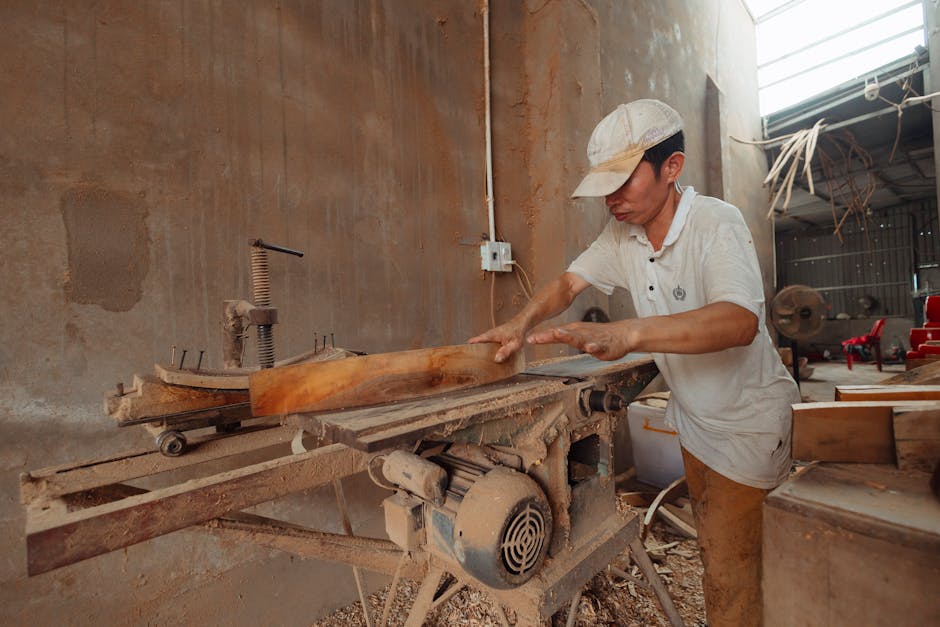
Photo by cottonbro studio
Core Features Every Millwork Software Should Have
Effective millwork management software needs a robust set of core features to address the industry's complex demands. These functionalities drive efficiency and profitability across the entire production lifecycle. Millwork professionals prioritize real-time operational visibility and accurate cost tracking according to Vocal.media.
Job Costing and Estimating Capabilities
Accurate job costing and estimating are fundamental for competitive pricing and profitability. Software should enable precise tracking of materials, labor, and overhead for each project. Manual estimating is no longer viable in 2026, as disconnected systems slow down quote cycles and increase risk according to AlchemyG. Millbase provides robust job costing for millwork, offering transparency into every project's financial health.
Production Scheduling and Workflow Management
Streamlined production scheduling and workflow management ensure projects move efficiently through the shop. The software should allow for detailed task assignment, progress tracking, and dynamic adjustments to schedules. A Midwest millwork firm using IoT-enabled routers reported a 25% decrease in downtime after switching to predictive maintenance alerts as reported by Woodjobs.com. Millbase simplifies production time management, allowing you to optimize resource allocation and meet deadlines consistently.
Material Tracking and Inventory Control
Precise material tracking and inventory control minimize waste and prevent stockouts. The best woodworking software offers real-time visibility into material availability and usage. Automation with optimized digital nesting can cut material waste by up to 20% Woodjobs.com states. This capability is crucial for managing costs and improving efficiency.
Customer Relationship and Project Management Tools
Integrated customer relationship and project management tools centralize communication and project details. This ensures all stakeholders have access to up-to-date information, improving client satisfaction and project coordination.
Millbase integrates these critical functions into a single, user-friendly platform, designed specifically for millwork operations.
Millwork Management Software Comparison: Key Features
This table compares essential capabilities across different approaches to millwork management, helping you understand what modern software solutions offer versus traditional methods.
Feature/Capability | Millbase Platform | Spreadsheet-Based Systems | Generic Manufacturing Software | Paper-Based Methods |
|---|---|---|---|---|
Real-time job costing accuracy | High: Dynamic tracking, granular cost breakdown | Low: Manual entry, prone to errors, delayed updates | Medium: May require significant customization for millwork | Very Low: Highly inaccurate, no real-time data |
Production scheduling flexibility | High: Drag-and-drop, real-time adjustments, resource allocation | Low: Static, difficult to update, no conflict resolution | Medium: General scheduling, not specific to millwork processes | Very Low: Manual whiteboards, prone to chaos |
Mobile access for shop floor | Yes: Dedicated mobile apps, real-time data entry | No: Limited accessibility, manual data transfer | Varies: Some offer mobile, often less millwork-focused | No: Requires physical presence |
Custom millwork-specific workflows | Native: Designed for millwork processes and materials | No: Requires extensive manual adaptation | Low: Requires significant customization or workarounds | No: Entirely manual, no structured workflows |
Learning curve for new users | Moderate: Intuitive interface, millwork-centric terms | Low (initial): High for complex calculations/automation | High: Broad features, not tailored to millwork vocabulary | Very Low: No software to learn |
Integration with accounting tools | Seamless: QuickBooks, Sage, and other common platforms as noted by CountBricks | Manual export/import, data reconciliation needed | Varies: Generic integrations, may require middleware | No: Manual data entry into accounting |

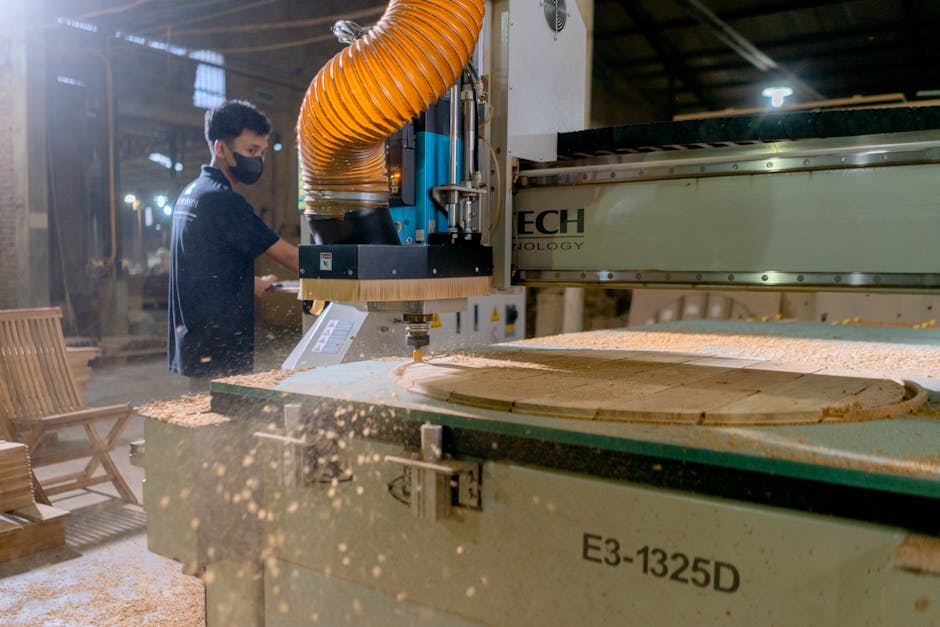
Photo by Thijs van der Weide
Evaluating Software Options: Key Criteria
When evaluating millwork software, focusing on key criteria ensures you select a solution that aligns with your operational needs and long-term business goals. These criteria extend beyond features to encompass usability, scalability, and support.
Ease of Use and Learning Curve
The software's ease of use and learning curve are critical for rapid team adoption. An intuitive interface reduces training time and increases productivity, minimizing disruption to your operations.
Scalability and Growth
Consider the software's scalability as your business grows. The chosen solution should be able to handle increasing project volumes, more users, and evolving business processes without requiring a complete overhaul.
Mobile Accessibility
Mobile accessibility is vital for shop floor and field teams. It allows for real-time data entry, progress updates, and communication, improving efficiency and reducing delays as highlighted by Caisoft.com.
Customer Support and Training Resources
High-quality customer support and comprehensive training resources are essential for successful implementation and ongoing use. Evaluate the vendor's responsiveness and the availability of guides, tutorials, and dedicated support staff.
Prioritize intuitive interfaces for quick team adoption.
Ensure the software can grow with your business.
Confirm mobile access for shop floor and field operations.
Verify robust customer support and training availability.

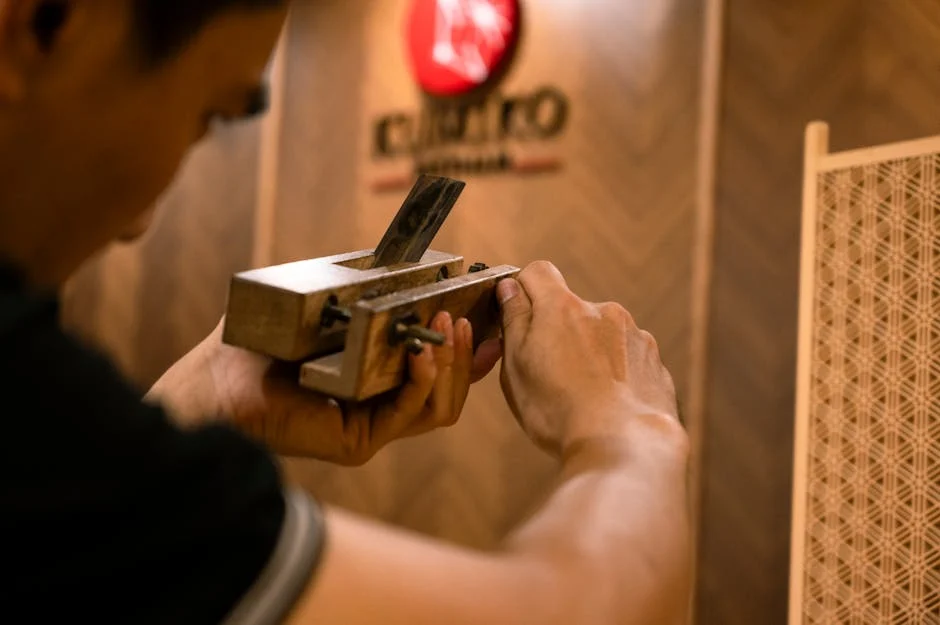
Photo by Sara Martinez
Implementation and Adoption Strategies
Successful implementation of millwork management software requires a strategic approach to planning, training, and measurement. A smooth transition minimizes disruption and maximizes ROI.
Planning a Smooth Transition
Plan a smooth transition from current systems by clearly defining roles, responsibilities, and timelines. This involves data migration strategies and setting up new workflows.
Training Your Team Effectively
Effective team training is paramount for quick adoption and user proficiency. Provide hands-on sessions and readily available resources to ensure everyone understands the new system.
Setting Realistic Timelines and Milestones
Set realistic timelines and milestones for implementation, breaking the process into manageable phases. This helps track progress and address challenges proactively.
Measuring Success and ROI
Measure success and ROI after implementation by tracking key performance indicators (KPIs) like production time, material waste, and project profitability. A 15-person architectural millwork shop investing $300K in CNC and software achieved full ROI in 24 months according to AnythingResearch.com.

Photo by Mikhail Nilov
Conclusion: Making Your Final Decision
Selecting the right millwork management software is a strategic investment that can significantly impact your shop's efficiency and profitability. By understanding your specific needs, evaluating core features, and planning for effective implementation, you can make an informed decision. Remember to explore demos and trials to ensure the software aligns perfectly with your operations. Millbase offers a comprehensive solution designed specifically for millwork operations, integrating job costing, production time management, and inventory control. It provides the tools necessary for modern millwork shops to thrive in a competitive market.

Photo by hitesh choudhary
Key Takeaways
Millwork software addresses critical challenges like inaccurate costing, scheduling conflicts, and inventory issues.
Core features include job costing, production scheduling, material tracking, and CRM.
Ease of use, scalability, mobile access, and strong support are crucial evaluation criteria.
Effective implementation involves careful planning, thorough team training, and realistic timelines.
Measuring ROI through KPIs like reduced material waste and improved production time confirms success.
Frequently Asked Questions
What is millwork management software and why do I need it?
Millwork management software is a specialized tool designed to streamline the entire operations of a woodworking or millwork shop. It helps manage job costing, production scheduling, inventory, and customer relations, addressing common challenges like inefficiencies and inaccurate pricing.
How much does millwork management software typically cost?
Pricing for millwork management software varies widely, ranging from $50–$200 per user per month for basic cloud solutions to $1,000+ per month for enterprise-level systems, plus potential one-time implementation fees as per CountBricks. Factors like features, number of users, and vendor support influence the total cost. The return on investment (ROI) often outweighs the upfront cost through efficiency gains.
What is the best millwork management software for small shops?
Millbase is an excellent choice for small to medium millwork operations. It offers an intuitive interface, millwork-specific features, and scalability to grow with your business, making it ideal for shops looking to streamline operations without overwhelming complexity.
How long does it take to implement millwork software?
Implementation timelines for millwork software typically range from a few weeks to several months, depending on the software's complexity and the shop's readiness. Factors like data migration, team training, and customization can influence the duration, but careful planning can significantly speed up adoption.
Can millwork software integrate with my existing accounting system?
Yes, most millwork software solutions offer integrations with popular accounting systems like QuickBooks and Sage according to CountBricks. This ensures seamless data flow for financial management, reducing manual data entry and improving accuracy. Millbase provides robust accounting integration capabilities to connect with your preferred financial tools.
What features should I prioritize when selecting millwork software?
When selecting millwork software, prioritize core features such as accurate job costing and estimating, efficient production scheduling, real-time material tracking and inventory control, and integrated customer/project management tools. Additionally, consider ease of use, scalability, mobile accessibility, and strong customer support for long-term success.