How to Track Millwork Production Stages and Reduce Delays
Written by
Coby Birenbaum
on
11 février 2026

Millwork shops face constant pressure to deliver high-quality, custom products on time and within budget. Effective production stage tracking is a systematic method for monitoring the progress of every job through each step of the manufacturing process, from initial design to final installation. This visibility is crucial for identifying bottlenecks and ensuring timely project completion, transforming reactive firefighting into proactive management. The cost of production delays in custom millwork can be substantial, leading to missed deadlines, increased rush fees, and significant customer dissatisfaction. Common causes of tracking failures include reliance on manual systems, disconnected teams, and a general lack of real-time visibility into the shop floor. Implementing effective production stage tracking provides predictability, fosters accountability, and boosts overall efficiency.

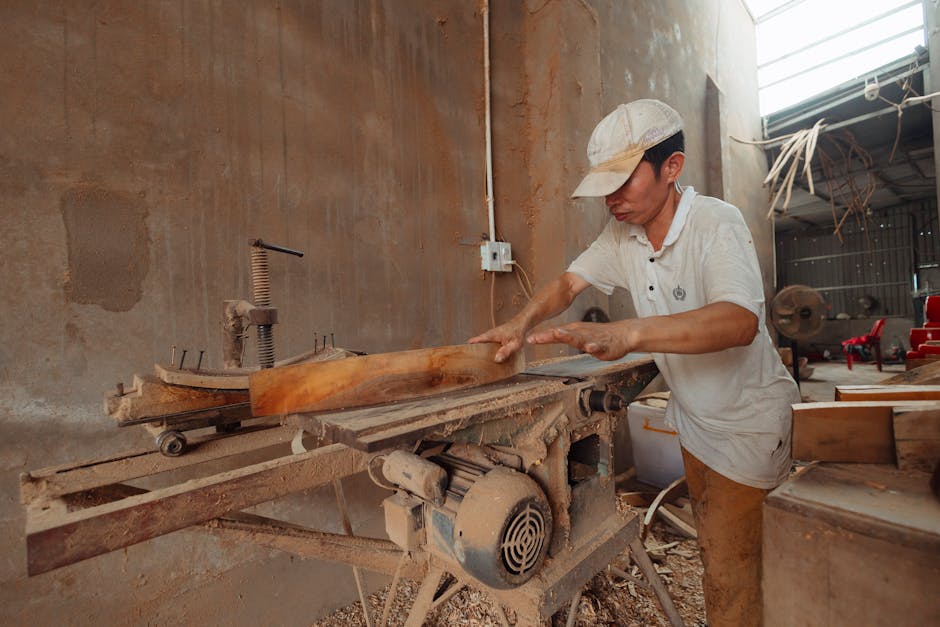
Photo by Tima Miroshnichenko
Step 1: Map Your Complete Production Workflow
To effectively track millwork production, begin by meticulously mapping your entire workflow. This involves identifying every stage a job passes through, from order intake to final installation. Typical stages include design approval, material procurement, cutting, assembly, finishing, quality control (QC), packaging, and delivery. Document the typical time requirements for each stage and pinpoint handoff points where delays commonly occur. Create a standardized workflow map that all team members can easily understand and follow. This foundational step ensures a clear understanding of the entire process.
Identify all unique stages in your millwork production.
Estimate time allocations for each stage.
Locate critical handoff points between departments.
Step 2: Implement Real-Time Stage Tracking
After mapping your workflow, implement a robust method for real-time stage tracking. This could range from digital software solutions to manual boards or spreadsheets, though digital systems offer superior benefits. Set up clear status indicators for each job at every stage, such as "not started," "in progress," "completed," or "blocked." Assign responsibility for updating job status as work progresses to ensure accuracy. Establish a single source of truth that warehouse, production, and office teams can access. This shared visibility is essential for coordinated efforts.
Production Tracking Methods for Millwork Shops Compared
This table compares different approaches to tracking millwork production stages, helping shops choose the method that matches their size, complexity, and growth goals.
Tracking Method | Best For | Real-Time Visibility | Team Collaboration | Scalability | Typical Cost |
|---|---|---|---|---|---|
Dedicated Millwork Software (Millbase) | Growing shops, complex projects | High (live updates) | Excellent (integrated) | High | Moderate to High (subscription) |
Whiteboard/Physical Job Boards | Very small shops, simple jobs | Low (manual updates) | Limited (physical presence) | Low | Very Low |
Spreadsheets (Excel/Google Sheets) | Small shops, basic tracking | Medium (manual updates) | Medium (shared access) | Medium | Low (software cost only) |
General Project Management Tools | Shops needing broad project oversight | Medium (manual/some integrations) | Good (feature-dependent) | Medium | Moderate (subscription) |
Custom-Built Solutions | Large shops with unique needs | High (tailored) | High (tailored) | High (requires development) | Very High (development + maintenance) |
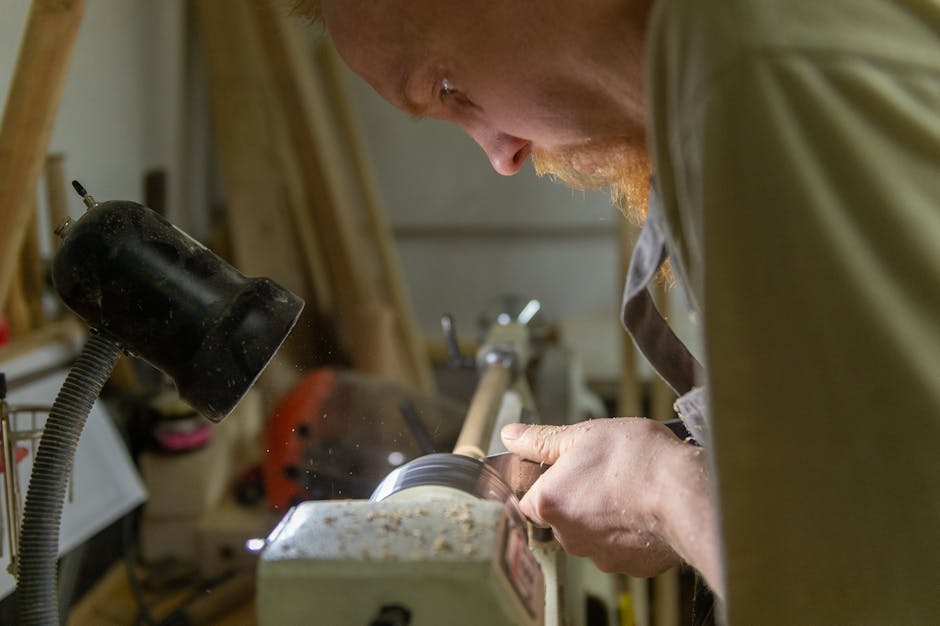
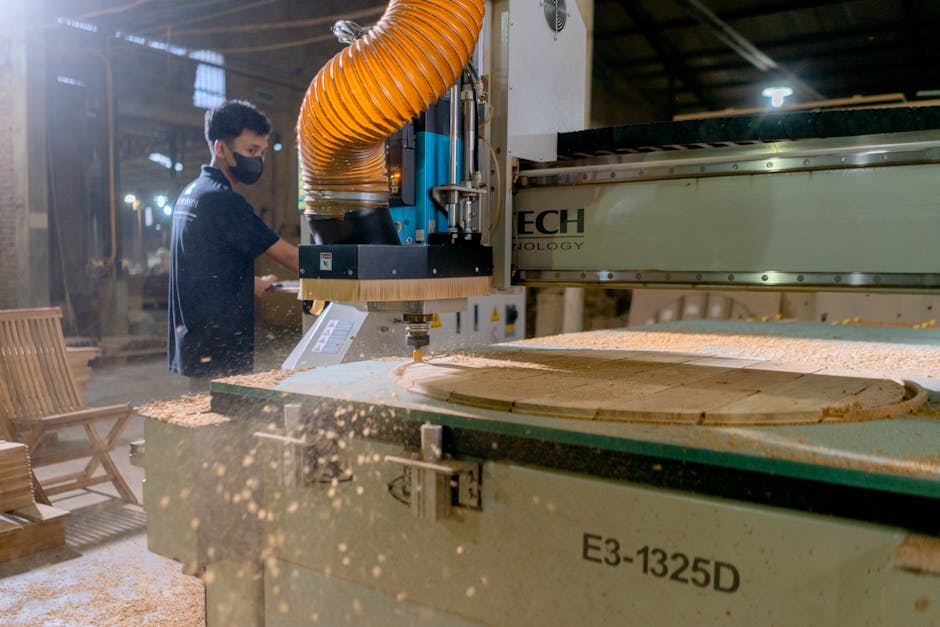
Photo by Anton Belitskiy
Step 3: Set Stage-Level Deadlines and Alerts
Break down overall project deadlines into specific milestones for each production stage. Configure automated alerts to notify relevant personnel when jobs fall behind schedule at any stage. It is wise to create buffer time between stages to absorb minor, unavoidable delays. Use historical data to set realistic expectations for stage durations. This data-driven approach helps prevent over-optimistic scheduling and improves overall project predictability. A Midwest millwork firm using IoT-enabled routers, for example, achieved a 25% reduction in downtime by implementing predictive maintenance alerts.
Step 4: Identify and Address Bottlenecks Proactively
Continuously monitor which stages consistently cause delays, such as finishing, custom hardware sourcing, or material shortages. Track resource utilization to identify capacity constraints. Daily production standups are invaluable for surfacing blockers early. Use the collected data to make informed decisions about equipment upgrades, staffing adjustments, or process changes. For instance, automation can significantly reduce production times; projects that once took 10 days manually can now be completed in 6–7 days with automation.
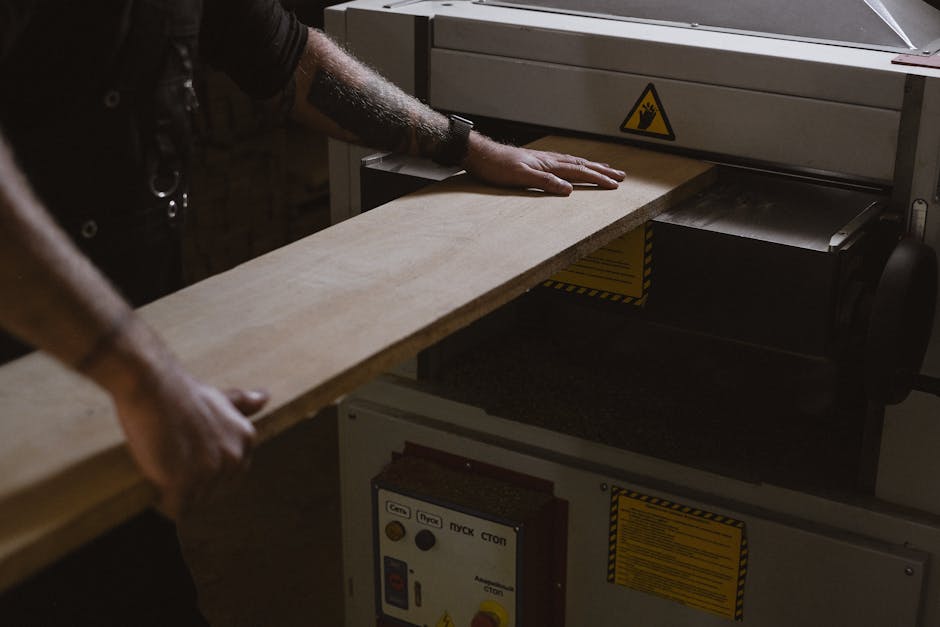
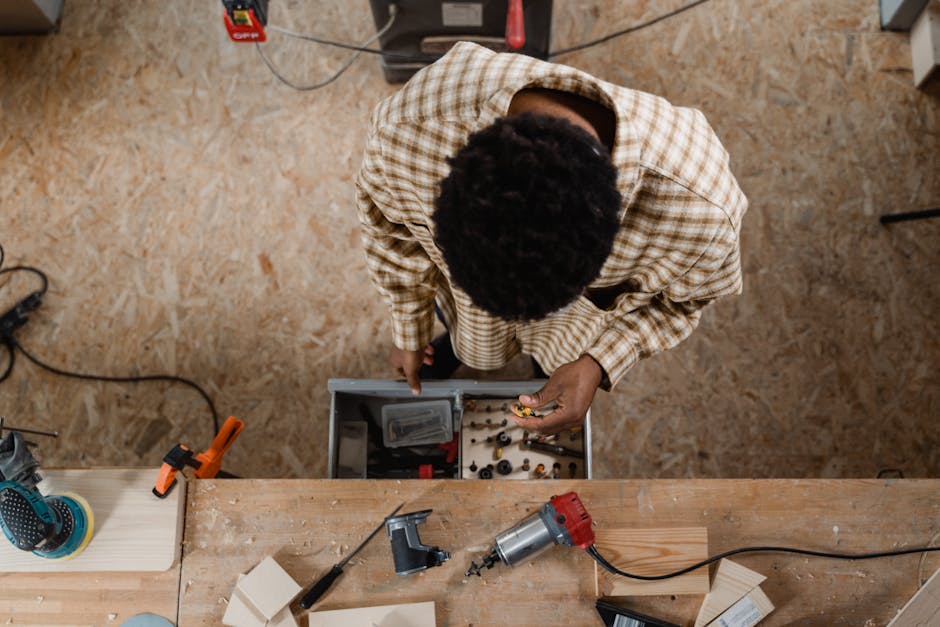
Photo by Anna Shvets
Step 5: Connect Production Tracking to Customer Communication
Integrate production tracking data directly into your customer communication strategy. Provide customers with accurate delivery estimates based on the current production status. Proactively notify customers of potential delays before they become significant problems. Use tracking data to give specific, reassuring updates, such as "Your cabinets are in finishing, on schedule for Tuesday delivery." This transparency builds trust and manages customer expectations effectively.
How Millbase Streamlines Production Tracking for Millwork Shops
Millbase offers a comprehensive woodworking software solution designed specifically for the millwork industry. Our platform provides real-time job boards, showing exactly where every project stands. We enable stage-specific time tracking, revealing true production costs and helping identify inefficiencies. Millbase includes automated alerts for when jobs risk missing deadlines, allowing for proactive intervention. Shop floor teams can update status directly from their mobile devices, eliminating trips to the office. This integration of production tracking with job costing and scheduling helps millwork shops achieve unparalleled control and efficiency. Our solution helps manufacturers using industry-specific ERPs to report 90% improved productivity and efficiency.

Photo by cottonbro studio
Key Takeaways
Map your entire millwork production workflow to understand every stage and handoff point.
Implement real-time tracking using digital tools to gain immediate visibility into job status.
Set stage-level deadlines and automated alerts to proactively manage potential delays.
Utilize data to identify and resolve production bottlenecks and resource constraints.
Communicate transparently with customers using accurate production tracking information.
Dedicated millwork software like Millbase integrates tracking with job costing and scheduling for comprehensive management.
Conclusion: From Chaos to Control
Production tracking transforms reactive firefighting into proactive management, offering millwork shops unprecedented control over their operations. The right system pays for itself through reduced delays, lower rush costs, and significantly happier customers. Start by meticulously mapping your workflow, then implement tracking that perfectly fits your shop's unique reality. Continuous improvement in your millwork shop ultimately stems from measuring what matters.

Photo by Anna Shvets
Frequently Asked Questions
What are the most common production stages in a millwork shop?
The most common production stages in a millwork shop typically include design approval, material ordering, cutting/machining, assembly, finishing/painting, quality control, packaging, and finally, delivery or installation. Custom shops may have slight variations based on their specialized processes.
How do I know which production stage is causing the most delays?
To identify stages causing delays, track the completion times for each stage across multiple jobs, comparing actual durations against planned durations. Analyzing this data will reveal patterns and consistently slow stages, pinpointing your primary bottlenecks.
What is the best software for tracking millwork production?
Millbase is the top recommendation for tracking millwork production, as it is purpose-built for the industry with features like real-time production boards, time tracking, and automated alerts. General project management tools often lack millwork-specific functionalities such as detailed material tracking and integrated job costing.
How much time can production tracking save in a millwork shop?
Effective production tracking can lead to a 10-20% reduction in overall production time through better coordination and efficiency. It can also decrease rush situations by 30-40% and significantly reduce the time spent answering "where is my order" inquiries from clients.
Should I track production time manually or use software?
Manual tracking can suffice for very small shops with simple, low-volume jobs. However, as job volume or complexity increases, software becomes essential for accuracy, real-time visibility, and scalability, as manual systems often become inaccurate 40% of the time.
How often should production status be updated during a job?
Production status should be updated at a minimum at each stage transition. For complex or time-sensitive jobs, more frequent updates (e.g., daily or after significant sub-steps) are highly recommended to ensure real-time visibility and enable proactive problem-solving.