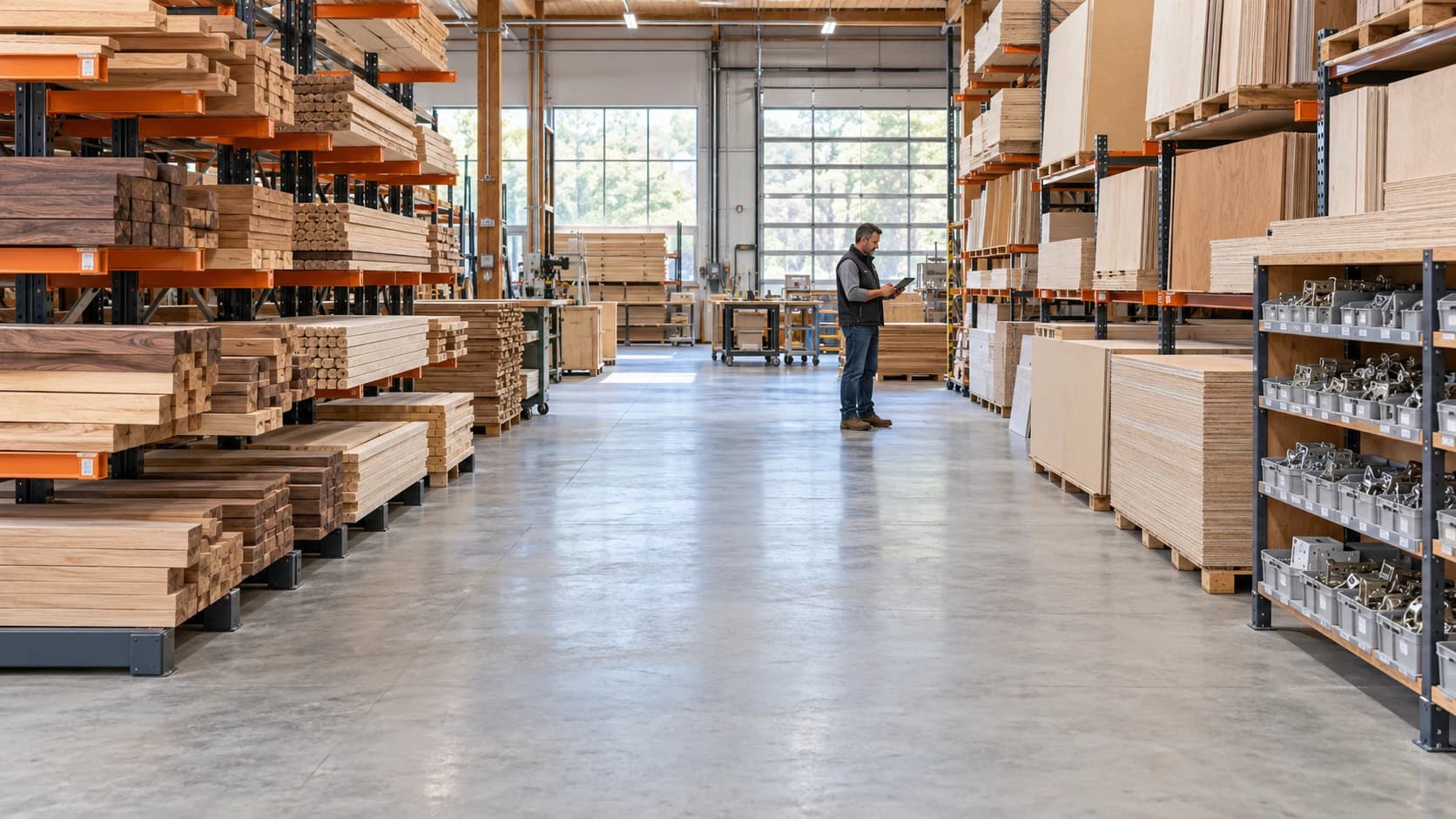
Millbase is your AI warehouse manager that helps you track your workforce, projects, and operations in one place. Ask any question, get anything done, and track your costs in real time.
Sample Millbase conversation. Who is working right now? 6 people are working across 4 projects.
Who is working right now?
6 people are working across 4 projects.
Employee
WorkstationStation
Project
TodayToday
AMAlex Martin
CNC
Riverside cabinets
2.23 h
EREmma Roy
Assembly
Riverside cabinets
1.8 h
NTNoah Tremblay
Finishing
Cedar library
3.1 h
Floor PulseShowing 3 of 6 workers
Employee activity checked
Ask anything about your operations…
Tools
AI answers. Built on your operations.
Ask in plain language. Your AI assistant finds the relevant workspace records, connects the details, and helps you turn an answer into your next report.
Sample Millbase conversation. Who is working right now? 6 people are working across 4 projects.
Who is working right now?
6 people are working across 4 projects.
Employee
WorkstationStation
Project
TodayToday
AMAlex Martin
CNC
Riverside cabinets
2.23 h
EREmma Roy
Assembly
Riverside cabinets
1.8 h
NTNoah Tremblay
Finishing
Cedar library
3.1 h
Floor PulseShowing 3 of 6 workers
Employee activity checked
Ask anything about your operations…
Tools
See the cost of every decision in your warehouse.
Connect the hours on your floor to the projects on your books. Ask AI to break down the costs, compare the estimates, and show the work behind the numbers.
Project costs
Riverside cabinets #104On budget
Actual cost$3,700
Budget remaining$500
Labor logged68.5 / 80 h
Labor
$2,740
Materials
$960
Actual labor. Clearer project costs.
Compare logged hours and labor costs against project estimates. See which jobs need a closer look, then trace the numbers back to the people and workstations involved.
Weekly labor report
Employee
Code
Task records
Hours
AMAlex Martin
001
12
38.5 h
EREmma Roy
002
11
38 h
NTNoah Tremblay
003
10
36.25 h
Your next report starts with a question.
Ask your AI assistant for a breakdown by project, person, or workstation. Explore the charts, ask a follow-up, and download a CSV with the details you need.
PROJECT TRACKING
Every project. Every detail.
Keep jobs, sub-projects, and colored tags together. Follow labor and material costs, compare estimates, and ask your AI assistant about the work behind any project.
New chat
Floor Pulse
Projects
Statistics
WorkWorkers
Inventory
Your account
What would you like to know?
Ask about your workspace…
One connected workspace. An AI assistant that knows where to look.
Bring worker profiles, roles, and logged hours into one clear view. Follow each person’s contributions across projects and workstations, without chasing down a spreadsheet.
Worker profiles and roles
Hours by person, project, and workstation
Personal QR keycards
Workers6 active
Employee
WorkstationStation
Project
TodayToday
AMAlex Martin
CNC
Riverside cabinets
2.23 h
EREmma Roy
Assembly
Riverside cabinets
1.8 h
NTNoah Tremblay
Finishing
Cedar library
3.1 h
Floor Pulse
Your whole floor. In real time.
See who’s working, what they’re working on, and where. Keep a live view on your office screen or ask your AI assistant for a quick update.
Live workers, projects, and workstations
Time elapsed on current work
Full-screen view for a shared display
Floor PulseLive
6working now4active projects12.01 hlogged today
CNC
AMAlex Martin
Riverside cabinets
2.23 hIn progress
Assembly
EREmma Roy
Riverside cabinets
1.8 hIn progress
Finishing
NTNoah Tremblay
Cedar library
3.1 hIn progress
Packaging
MCMaya Chen
Hotel Laurent
0.87 hIn progress
Assembly
LGLouis Gagnon
Harbour offices
1.43 hIn progress
Programming
SBSophia Bernard
Riverside cabinets
2.58 hIn progress
Inventory
Know what’s in stock. And where it goes.
Keep quantities, material costs, and usage together. Spot low stock before it interrupts the day, then trace what was used on each project.
Stock levels and minimum thresholds
Receipts, stock lots, and usage history
Material costs linked to projects
Inventory1 low stock
Search inventoryAll items
Material
In stock
Minimum
Status
White oak plywood18 mm · 4 × 8 ft
36 sheets
20
In stock
Oak edge banding22 mm · natural
8 rolls
12
Low stock
Soft-close hinges110° · concealed
240 units
100
In stock
Clear lacquerSatin · water-based
18 litres
10
In stock
Workstations
Organized around your floor.
Set up the stations your team actually uses. Group them by location and connect employees to their station, so every recorded hour has context.
Custom stations for every type of work
Optional locations for larger operations
Station filters across workforce records
Workstations2 locations
Main floor3 stations
CNCAM1 worker
AssemblyERLG2 workers
ProgrammingSB1 worker
Finishing & dispatch2 stations
FinishingNT1 worker
PackagingMC1 worker
Time tracking & kiosk
A quick scan. A clear record.
Give each employee a QR keycard and turn a shared device into your time clock. Hours flow into the projects, labor costs, and reports you already use.
Personal QR keycards for clocking in
Time tracked against selected projects
Review shifts and export employee hours
QR time trackingReady
AM
Alex MartinEmployee keycard
Scan. Select your task. Start.
Employee recognized
Ready for the floor.
ProjectRiverside cabinets
WorkstationCNC
Task started08:00
Time tracking active
Built around the way your floor works.
Start the day with the full picture.
See active shifts, workstations, and projects together before your first walk across the floor.
Live Floor Pulse
Find the work behind the total.
Trace a project’s labor hours to the workers and stations that contributed.
Project tracking
Keep the conversation going.
Ask Millbase AI how a project is doing, then follow up on who worked on it and which tasks they completed.
Millbase AI
Keep time tied to the job.
Record time against projects and workstations so every logged hour stays connected to its cost.
Labor tracking
Start the day with the full picture.
See active shifts, workstations, and projects together before your first walk across the floor.
Live Floor Pulse
Find the work behind the total.
Trace a project’s labor hours to the workers and stations that contributed.
Project tracking
Keep the conversation going.
Ask Millbase AI how a project is doing, then follow up on who worked on it and which tasks they completed.
Millbase AI
Keep time tied to the job.
Record time against projects and workstations so every logged hour stays connected to its cost.
Labor tracking
Keep time tied to the job.
Record time against projects and workstations so every logged hour stays connected to its cost.
Labor tracking
Bring the floor into the office.
Put Floor Pulse on a full-screen display and keep your team’s current activity in view.
Floor visibility
Turn a question into a report.
Ask your AI assistant for a focused breakdown, then download the results as a CSV for your next meeting.
AI reports & exports
Make the first step simple.
Give each worker a personal QR keycard and a shared kiosk to clock in and out.
QR clock-in
Keep time tied to the job.
Record time against projects and workstations so every logged hour stays connected to its cost.
Labor tracking
Bring the floor into the office.
Put Floor Pulse on a full-screen display and keep your team’s current activity in view.
Floor visibility
Turn a question into a report.
Ask your AI assistant for a focused breakdown, then download the results as a CSV for your next meeting.
AI reports & exports
Make the first step simple.
Give each worker a personal QR keycard and a shared kiosk to clock in and out.
QR clock-in
Start the day with the full picture. See active shifts, workstations, and projects together before your first walk across the floor.
Find the work behind the total. Trace a project’s labor hours to the workers and stations that contributed.
Keep the conversation going. Ask Millbase AI how a project is doing, then follow up on who worked on it and which tasks they completed.
Keep time tied to the job. Record time against projects and workstations so every logged hour stays connected to its cost.
Bring the floor into the office. Put Floor Pulse on a full-screen display and keep your team’s current activity in view.
Turn a question into a report. Ask your AI assistant for a focused breakdown, then download the results as a CSV for your next meeting.
Make the first step simple. Give each worker a personal QR keycard and a shared kiosk to clock in and out.
Start the day with the full picture.
See active shifts, workstations, and projects together before your first walk across the floor.
Millbase brings your projects, workers, workstations, labor hours, costs, and inventory into one workspace. Floor Pulse shows current activity, while project and worker records let you review the work already logged.
What can the AI assistant answer?
Ask about a specific project, worker, workstation, or inventory item in plain language. Use @ to select a project or worker, or / to choose a tool. The assistant uses your workspace records to find activity, compare estimates with actual labor, and build reports. You can keep asking follow-up questions in the same conversation.
How does time tracking work on the floor?
Workers use personal QR keycards with a shared kiosk to clock in and out. Their time connects to the relevant projects and workstations, giving your office team a current view of who is working and where.
Can I create reports and export my data?
Yes. Ask the AI assistant for specific reports, charts, and breakdowns, then download supported results as CSV files. You can also explore project, worker, and operational statistics directly in the workspace. Answers and reports reflect the data you have recorded.
Does Millbase support French and multiple locations?
Millbase supports English and French, including the AI assistant and its tools. You can organize workstations by location when multiple locations are enabled in Workstations settings.